 Rate Your Neighbors
Rate Your Neighbors
Rate Your Neighbors
Your complete guide to discovering, rating, and reporting your neighborhood vibe. Help your community stay informed and connected by sharing your insights and experiences. Let's build a better neighborhood together!
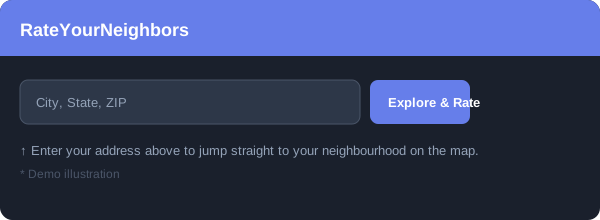
Search your address to find your neighborhood. Type your street address, city, or ZIP code into the search bar on the home page and click Explore & Rate. Rate Your Neighbors will drop you right into your area on the map.
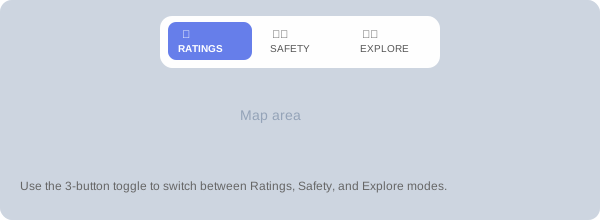
Once you're on the Browse page, use the mode buttons at the top of the map to switch between views:
Use the Map Filter buttons (🛡️ Security 🧘 Chill ) to spotlight community vibes by type, and toggle Neighborhood Trends (📊) to add a neighborhood-level color overlay. See the Map Filters & Neighborhood Trends FAQ below for details.
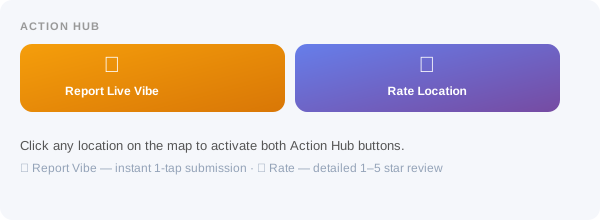
Tap anywhere on the map to select a location, then use the Action Hub in the sidebar:
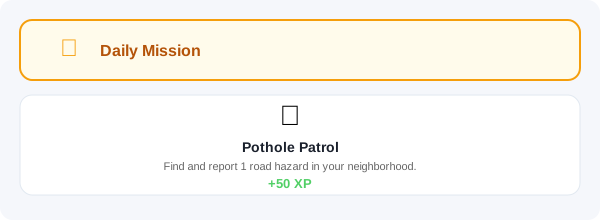
Missions are daily civic tasks that help verify your community's data and earn you XP. Each day you'll get a randomized mission such as:
Complete missions to unlock badges and rise through the Chrono contributor ranks. Find your active mission in the sidebar under Daily Mission.